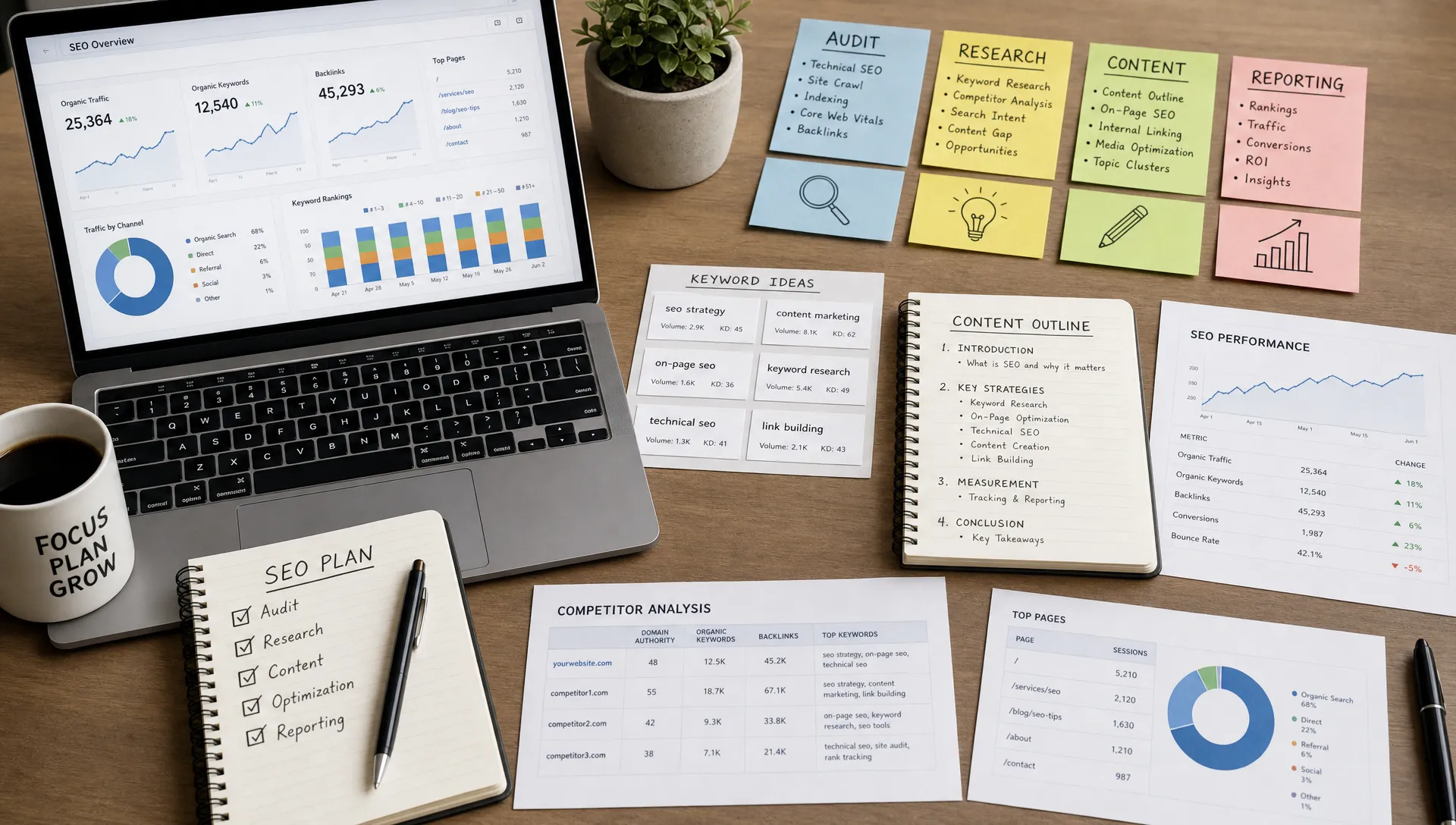
Best SEO Tools for Agencies, Freelancers, and Creators
· 11 min read· by Editor
The best SEO tools are not always the ones with the biggest dashboards or the longest feature lists. The best stack is the one that helps you make better decisions faster, whether you manage 40 client sites, sell strategy as a solo consultant, or publish content for your own audience.
In 2026, that stack has to do more than find keywords. It needs to help you understand search intent, diagnose technical blockers, create useful content, measure business outcomes, and track how your brand appears across both traditional search and AI-assisted discovery.
This guide breaks down the most useful SEO tools by workflow and by user type, so agencies, freelancers, and creators can build a stack that is powerful without becoming bloated.
What the best SEO tools need to do now
SEO has become more fragmented. Google is still central, but discovery also happens through YouTube, TikTok, Reddit, marketplaces, local packs, image search, and AI answer engines. At the same time, the fundamentals have not disappeared. Google still recommends making pages crawlable, helpful, well structured, and easy to understand, as outlined in its SEO Starter Guide.
That means your tool stack should cover four core jobs:
Find demand: Identify what people search for, how competitive those queries are, and which topics deserve priority.
Diagnose blockers: Catch crawl, indexing, speed, canonical, internal linking, and structured data problems before they limit growth.
Improve content quality: Build briefs, optimize pages, avoid thin content, and match the searcher's intent.
Prove results: Show clients, stakeholders, or yourself which pages, topics, and channels are generating traffic and revenue.
A tool that does not support one of these jobs is not necessarily bad, but it may be optional. The goal is not to own every platform. The goal is to reduce guesswork.
Essential SEO tool categories
Search performance and index coverage
Every stack should start with first-party search data. Google Search Console is essential because it shows queries, impressions, clicks, indexing status, sitemap coverage, Core Web Vitals signals, and manual action alerts. It is not perfect for keyword volume or competitor research, but it is the closest view you get into how Google sees your site.
Bing Webmaster Tools is also worth setting up, especially for sites that care about Microsoft search surfaces and IndexNow-supported discovery. For creators and publishers, this can uncover query opportunities that are less visible in Google-only workflows.
Analytics and business outcomes
SEO traffic is only useful if it supports a business goal. Google Analytics 4, server-side analytics, customer relationship management data, and ecommerce revenue reports help connect rankings to outcomes. Agencies need this for retention. Freelancers need it for proving value. Creators need it to understand which content actually builds an audience or income stream.
The mistake is treating analytics as a traffic scoreboard. A better approach is to segment by landing page, content type, funnel stage, and conversion action. A page with modest traffic but strong lead quality may be more valuable than a viral post with no business impact.
Technical SEO audits and crawlers
Technical tools help you see what humans miss. Crawlers such as Screaming Frog SEO Spider and Sitebulb are popular because they can surface broken links, redirect chains, missing metadata, duplicate titles, canonical issues, pagination problems, thin pages, and internal linking gaps.
For teams that want a faster first pass, an AI-assisted audit can turn raw checks into priorities. SEO Fragments' AI-powered SEO audit and action plan is useful when you need a practical list of fixes instead of another spreadsheet full of warnings. This is especially helpful for client intake, site reviews, and quick opportunity scans.
Page performance tools also matter. PageSpeed Insights and Lighthouse help evaluate Core Web Vitals and front-end performance issues. They should not be treated as the only measure of SEO health, but slow or unstable pages can hurt both users and conversions.
Keyword research and competitive intelligence
Keyword tools help you understand demand before you invest in content. Semrush, Ahrefs, Moz, Google Keyword Planner, Keywords Everywhere, and similar platforms can reveal keyword ideas, search volume estimates, SERP competition, backlink profiles, and ranking gaps.
No third-party keyword database is exact. Search volume estimates are directional, and different tools often disagree. The best practice is to combine keyword data with SERP analysis, your own Search Console data, and business relevance. A low-volume query can still be valuable if it converts or attracts the right audience.
On-page and content optimization
Content tools help with briefs, outlines, topical coverage, readability, entity suggestions, and page structure. Clearscope, Surfer, Frase, MarketMuse, and AI writing assistants can speed up research, but they should not replace editorial judgment.
For quick on-page checks, lightweight browser tools are often enough. For example, a free Keyword Density Checker can help you catch unnatural repetition, compare n-grams, and avoid over-optimization before publishing.
The best content tool is not the one that produces the longest article. It is the one that helps you answer the query better than the current SERP while staying accurate, original, and useful.
Best SEO tools by workflow
Workflow
Strong tool options
Best for
Main caution
Search performance
Google Search Console, Bing Webmaster Tools
Everyone
Query data is limited and needs interpretation
Analytics
GA4, Looker Studio, server-side analytics
Agencies, freelancers, ecommerce teams
Traffic without conversion context can mislead
Technical audits
SEO Fragments, Screaming Frog, Sitebulb, PageSpeed Insights
Reports should explain decisions, not just metrics
AI visibility
AI citation trackers, GEO auditing tools, manual prompt testing
Brands and agencies
Results can vary by model, prompt, and user context
A complete stack does not require every tool in every row. Most teams need one strong option per major workflow, plus a few free micro-tools for quick checks.
Best SEO tools for agencies
Agencies need repeatability. A good agency stack should make it easy to audit new sites, compare clients, standardize deliverables, and report progress in a way non-SEO stakeholders can understand.
For audits, agencies usually benefit from combining a crawler, first-party data, and an AI prioritization layer. A crawler finds the raw technical issues. Search Console shows what Google is already surfacing. An AI audit tool can translate that into a prioritized roadmap, which is useful when clients need to know what to fix first.
For strategy, agencies typically need a competitive research platform such as Ahrefs, Semrush, or Moz. These tools help with backlink gap analysis, keyword opportunity sizing, competitor page discovery, and content planning. The specific platform matters less than having a consistent process for turning research into client recommendations.
For reporting, Looker Studio is flexible and widely used, while agency reporting platforms can save time when managing many accounts. The key is to avoid reports that only show rankings. Better agency reports connect technical work, content production, visibility, and business outcomes.
Agencies should also start tracking AI search visibility where relevant. Clients increasingly ask whether their brand is being mentioned or cited by AI systems. This is still an evolving field, so the right approach is to treat AI visibility as an additional signal, not a replacement for organic search data.
Best SEO tools for freelancers
Freelancers need leverage. The right stack should help you deliver expert work without paying for enterprise software you rarely use.
A lean freelancer stack can start with Google Search Console, GA4, a lightweight crawler, and a flexible keyword research tool. Add SEO Fragments for AI-assisted audits, content workflows, technical checks, and free browser micro-tools when you need fast answers without building a large software bill.
Freelancers should be especially careful with all-in-one subscriptions. They are valuable if you use them weekly, but they can quietly reduce margins if they sit idle. If most of your work is audits, prioritize crawling and technical analysis. If most of your work is content strategy, prioritize keyword research, SERP analysis, and brief creation. If most of your work is retainers, prioritize reporting and task tracking.
A simple rule works well: every paid tool should either help you win clients, deliver faster, improve quality, or retain accounts. If it does none of those, it is probably not part of your core stack.
Best SEO tools for creators
Creators need speed and clarity. They often do not need a full agency stack, but they do need tools that help them choose topics, structure content, and understand what is working after publication.
For bloggers, newsletter writers, educators, and independent publishers, keyword research should focus on audience problems rather than volume alone. A creator with a trusted niche can win with specific queries that a large brand ignores. Search Console becomes more valuable over time because it reveals the exact phrases people use to find your work.
For YouTube creators, YouTube Studio is the starting point. TubeBuddy and vidIQ can help with video keyword ideas, title testing, tag research, and competitor observations. These should be used as decision support, not as a formula. A video still needs a strong hook, clear promise, and satisfying answer.
For written content, structure matters. Clear H1, H2, and H3 hierarchy helps readers skim and helps search engines understand the page. Before publishing, creators can use a free Heading Tag Checker to catch skipped heading levels, missing H1s, or confusing structure.
Creators should avoid turning SEO into a creativity tax. The goal is not to make every post robotic. The goal is to use search data to discover what your audience already wants, then answer it in your own voice.
Enterprise crawl monitoring, internal search data analysis
Ignoring product page duplication and faceted navigation
Local business marketer
Google Business Profile, Search Console, local rank tracking, review monitoring
Citation management, local landing page audits
Tracking broad national keywords that do not drive local leads
This by-role approach prevents tool bloat. Agencies need scale. Freelancers need margin. Creators need momentum. Ecommerce teams need clean product discovery. Local businesses need visibility where customers actually search.
How to choose SEO tools without wasting budget
Before buying another platform, look at your workflow. Tools should remove friction from recurring work, not create extra dashboards to maintain.
Ask these questions before adding a tool:
Will I use it every week? Occasional use may be better served by free tools or short-term access.
Does it give me data I cannot get elsewhere? If it duplicates another subscription, it needs a strong reason to stay.
Does it turn insight into action? A tool that finds problems but does not help prioritize them may slow you down.
Can I explain its output to a client or stakeholder? If the data is confusing, reporting becomes harder.
Does it fit my delivery model? A creator, freelancer, and agency should not buy software the same way.
Also consider data transparency. SEO tools use different crawlers, keyword databases, clickstream models, AI models, and scoring systems. The more you understand where the data comes from, the easier it is to make confident decisions.
A practical 30-day SEO tool workflow
If you are building or refreshing your stack, do not start by testing 20 tools at once. Start with a 30-day workflow and keep what proves useful.
Timeframe
Focus
Tools to use
Desired outcome
Week 1
Baseline visibility and health
Search Console, GA4, crawler, AI audit tool
Know current traffic, indexing, and technical risks
Week 2
Opportunity research
Keyword tool, competitor research, SERP review
Build a prioritized topic and page improvement list
CMS, analytics, reporting dashboard, rank tracking if needed
Show what changed, what improved, and what to do next
This workflow is intentionally simple. Many sites do not need more complexity until they have fixed the obvious issues: pages that are not indexed, content that does not match intent, weak internal linking, duplicated metadata, slow templates, or unclear conversion paths.
Common mistakes when using SEO tools
The first mistake is treating tool scores as truth. Scores can be useful, but they are simplified models. A page can score well and still fail search intent. A page can score poorly and still convert because it solves a niche problem better than anything else.
The second mistake is publishing AI content without expert review. AI can help with outlines, summaries, briefs, and drafts, but accuracy, originality, and usefulness still require human judgment. This is especially important in legal, financial, medical, technical, and high-stakes niches.
The third mistake is separating technical SEO from content strategy. Technical fixes help search engines access and understand pages. Content strategy gives those pages a reason to rank. The strongest results usually come from both.
The fourth mistake is ignoring maintenance. SEO is not a one-time launch task. Search intent changes, competitors update pages, links break, templates shift, and AI search experiences evolve. Your tool stack should make ongoing monitoring easier.
Frequently Asked Questions
What are the best SEO tools for beginners? Start with Google Search Console, GA4, PageSpeed Insights, a simple keyword research tool, and free on-page checkers. Beginners should prioritize understanding search intent, indexing, titles, headings, and basic technical health before buying advanced platforms.
Do agencies need different SEO tools than freelancers? Yes. Agencies usually need scalable audits, multi-client reporting, competitive research, and standardized workflows. Freelancers often need a leaner stack that protects margins while still supporting high-quality audits, research, and deliverables.
Are AI SEO tools worth using? AI SEO tools are useful when they speed up research, prioritize fixes, generate first drafts, or explain technical issues. They should not replace expert review, source checking, or strategy. The best use is to reduce manual work while keeping humans responsible for decisions.
How many SEO tools do I really need? Most users need one tool for search performance, one for analytics, one for technical checks, one for keyword research, and one for content or reporting. Extra tools should only be added when they solve a recurring workflow problem.
What is the best free SEO tool? Google Search Console is the most important free tool because it provides first-party search performance and indexing data. Free micro-tools can then help with specific checks such as headings, keyword repetition, canonical tags, hreflang, and domain strength.
Build a smarter SEO stack with SEO Fragments
The best SEO stack is not the biggest one. It is the one you actually use to find opportunities, fix problems, create better pages, and measure progress.
SEO Fragments brings AI-powered SEO audits, keyword research, content generation, technical checks, AI citation tracking, GEO score auditing, ecommerce SEO tools, and free browser micro-tools into one practical platform for agencies, freelancers, and creators. With transparent data sources and bring-your-own API key usage, it is built for people who want useful SEO workflows without unnecessary complexity.
If your current tools create more noise than action, start with a leaner stack, audit one important page, and build from there.
#SEO Tools#Agencies#Freelancers#Creators#Analytics#Technical SEO
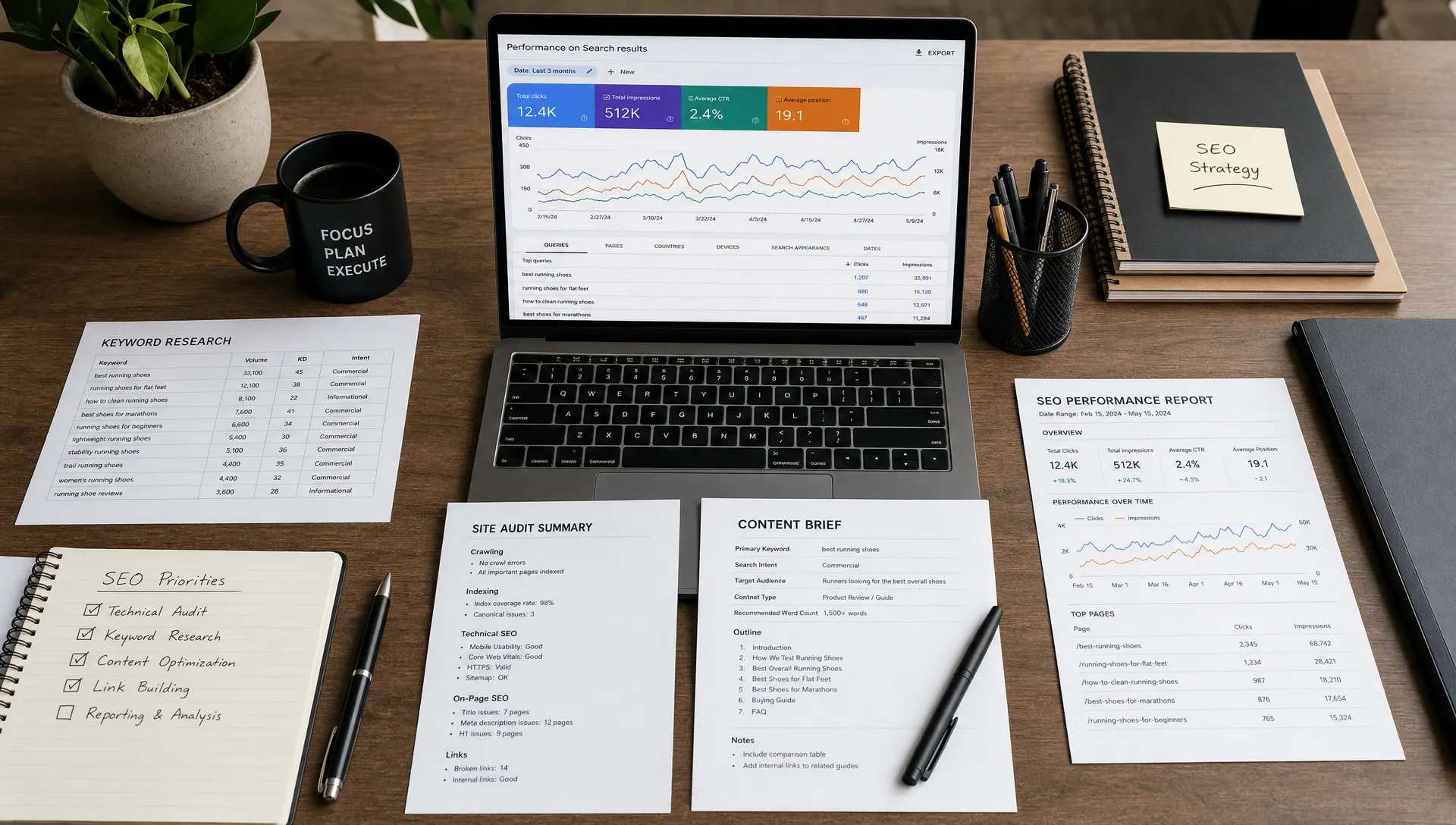 The best SEO tools are not always the ones with the biggest dashboards or the longest feature lists. The best stack is the one that helps you make better decisions faster, whether you manage 40 client sites, sell strategy as a solo consultant, or publish content for your own audience.